Docker for Lucee developers: Part 1
Install everything. Expect to download about a GIG. Coffee may be needed.
This tutorial assumes little or no Docker experience, an agnostic development environment, and knowledge of Lucee development.
Docker can be tough to get into; there are a lot of small moving parts that make up a basic development ecosystem, and a whole new vocabulary to pick up. Nothing is overly complex on its own, however, there are many different ways to approach Docker development and this makes Googling solutions difficult.
Let’s get a basic development environment up and running, and hook that up to a basic deployment pipeline.
Docker Basics
Docker needs to run in a supported linux environment; both OSX and Windows require a lightweight Virtual Machine as neither operating system supports Docker natively.
Docker image — we build an image to run as a container. An image is like a sealed appliance; everything wrapped up in a read-only snapshot, and stored in a Docker repository.
Docker registry — the registry contains a bunch of Docker repositories; a bit like git repositories. The default registry is Docker Hub, but there are other commercial registries or you can run your own.
Docker container — a running instance of a specific Docker image. Once a container is running you can modify files in real time, but when the container stops those changes are lost.
Daemon Workbench
We use Vagrant to build and provision a VM running Docker. And we use the Docker provider in Vagrant to build and run containers. Docker native tools can accomplish the same thing, but so far we’ve found this approach simpler to get people new to Docker up and running.
Quick install guide for our Docker “workbench” for development; full details about the Daemon Workbench are available on Github.
- Install Git client
- Install Virtual Box. Get the latest and install.
- Install Vagrant. Get the latest and install.
- Install Vagrant Hostmanager plugin.
$ vagrant plugin install vagrant-hostmanager - Create a local projects directory:
$ mkdir ~/Workbench - Copy Workbench VM Vagrantfile into
~/Workbench
Check the workbench:
cd /Workbench
vagrant up
open http://workbench.dev:81
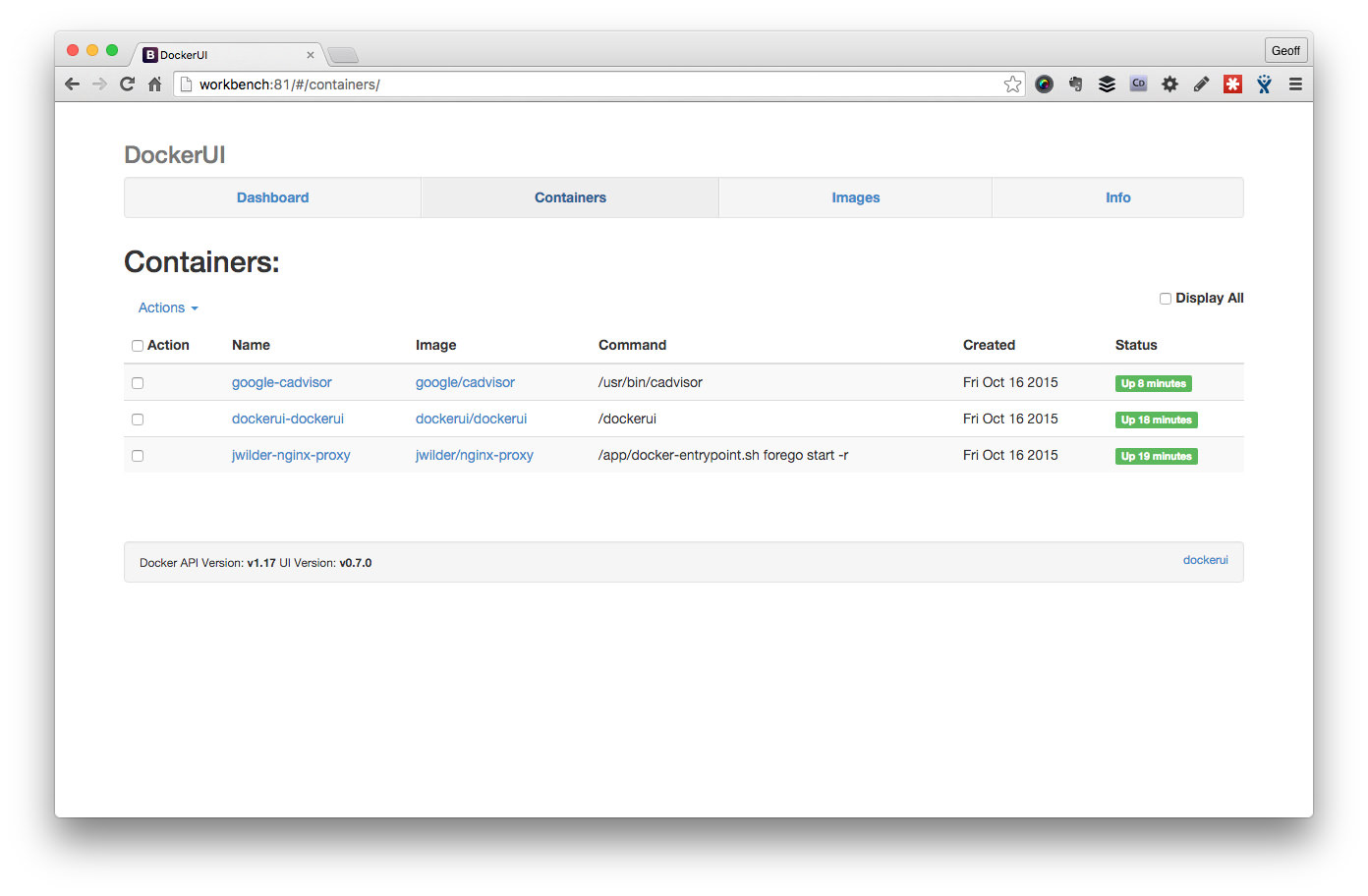
DockerUI is installed by default, and registered to port 81. This utility provides a convenient web GUI to your Docker environment.
Sample Lucee Docker Project
lucee-docker-workbench is a sample project that can be used as a template for any Lucee based docker project. Let’s get it operational first before we look at breaking down the parts in the second part of the tutorial.
Clone the Lucee sample project, and its underlying submodule:
cd /Workbench
git clone --recursive https://github.com/modius/lucee-docker-workbench
cd lucee-docker-workbench
vagrant up lucee
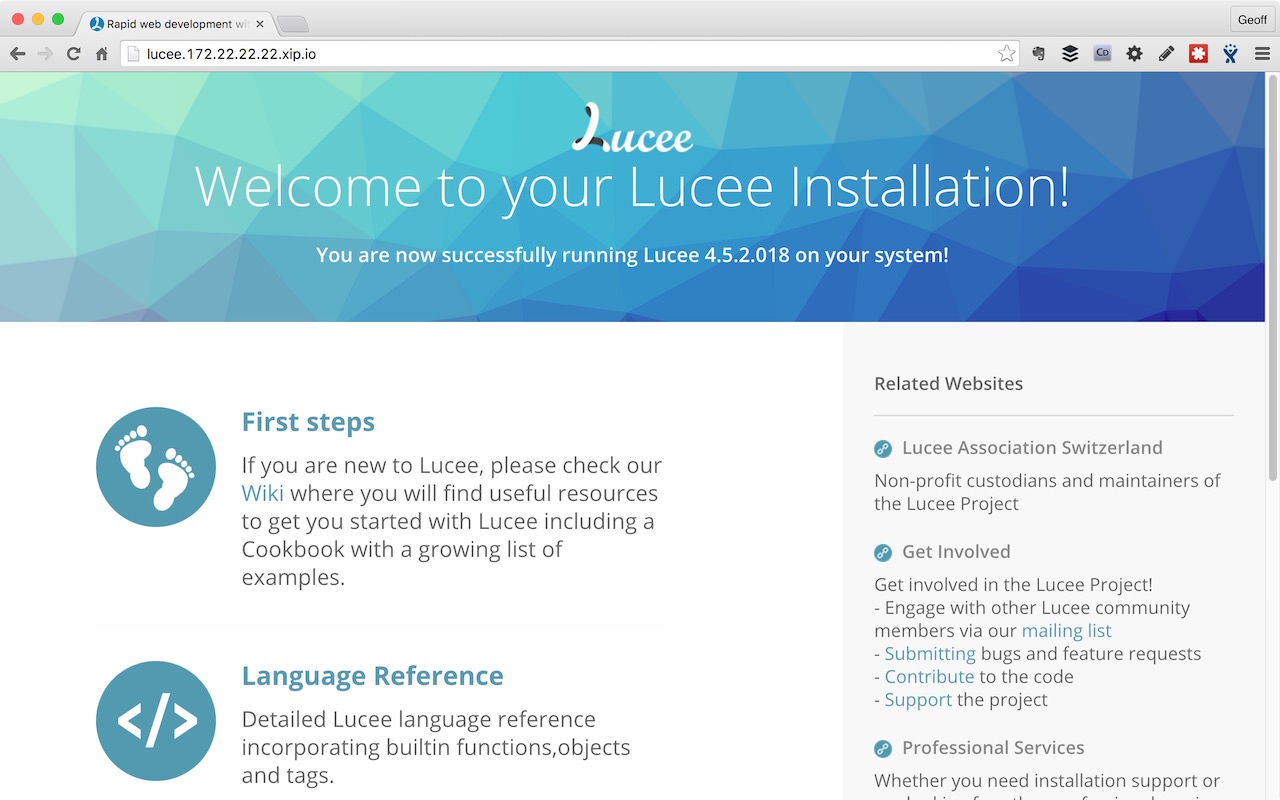
The lucee project is available at http://lucee.dev by default. Test the admin at: http://lucee.dev/lucee/admin/server.cfm
The project is configured with a Docker volume that maps the code base into the container, so test by making some simple changes to ./code/index.cfm and check they’re reflected in the browser.
With any luck you should have a fully functional test project. Next step is to copy the template, examine the structure and get a real project up and running.
Continues in Docker for Lucee Developers: Part 2